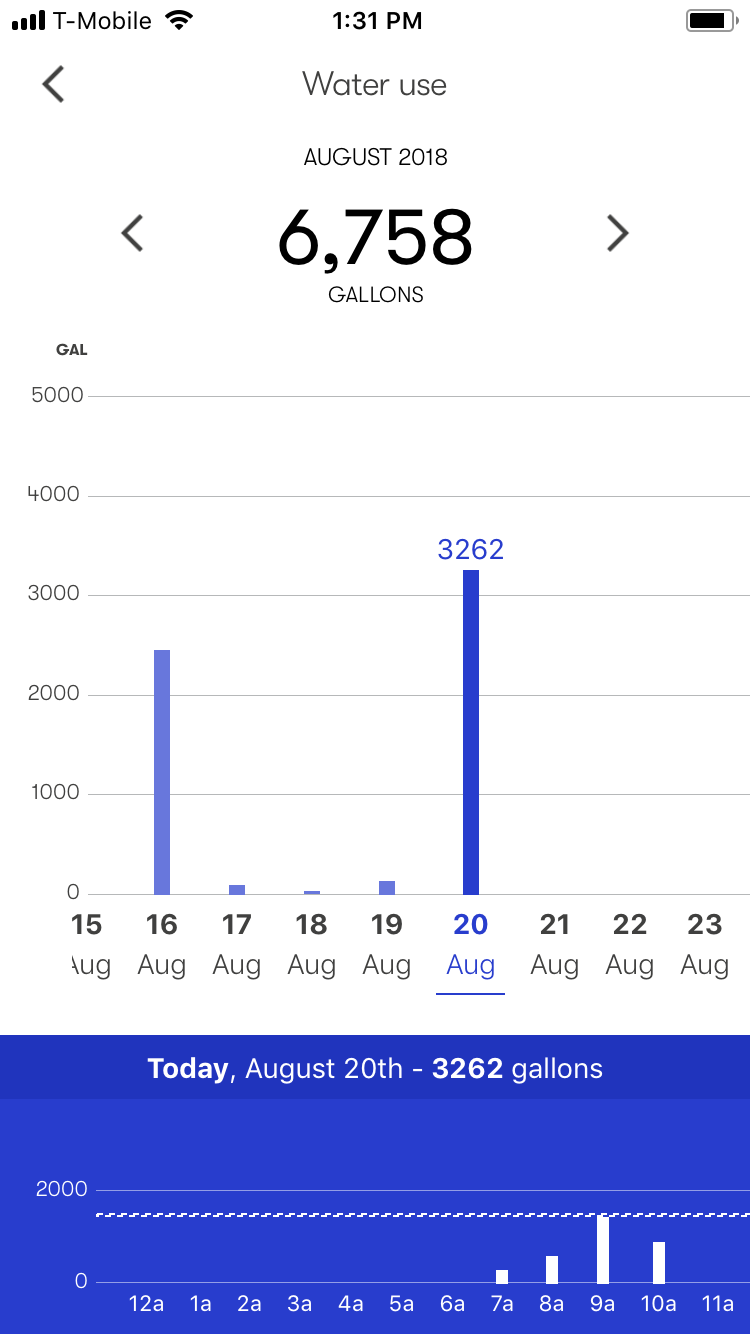

You can view your daily, monthly, or hourly water usage directly in the Phyn App.
To check your water usage:
Open the Phyn App.
Tap the Menu icon.
Select Water Use.
Your total water usage is displayed by month and year, measured in gallons.
You can scroll left or right to view usage from different time periods.